
NEURAX is theLovable of models.
Build your AI. Run it your way.
A local AI model Studio for university labs, companies and independent builders: design, simulate, estimate resources, run native Training or supported LoRA Fine-tuning, and export.
Desktop app for Linux, macOS and Windows
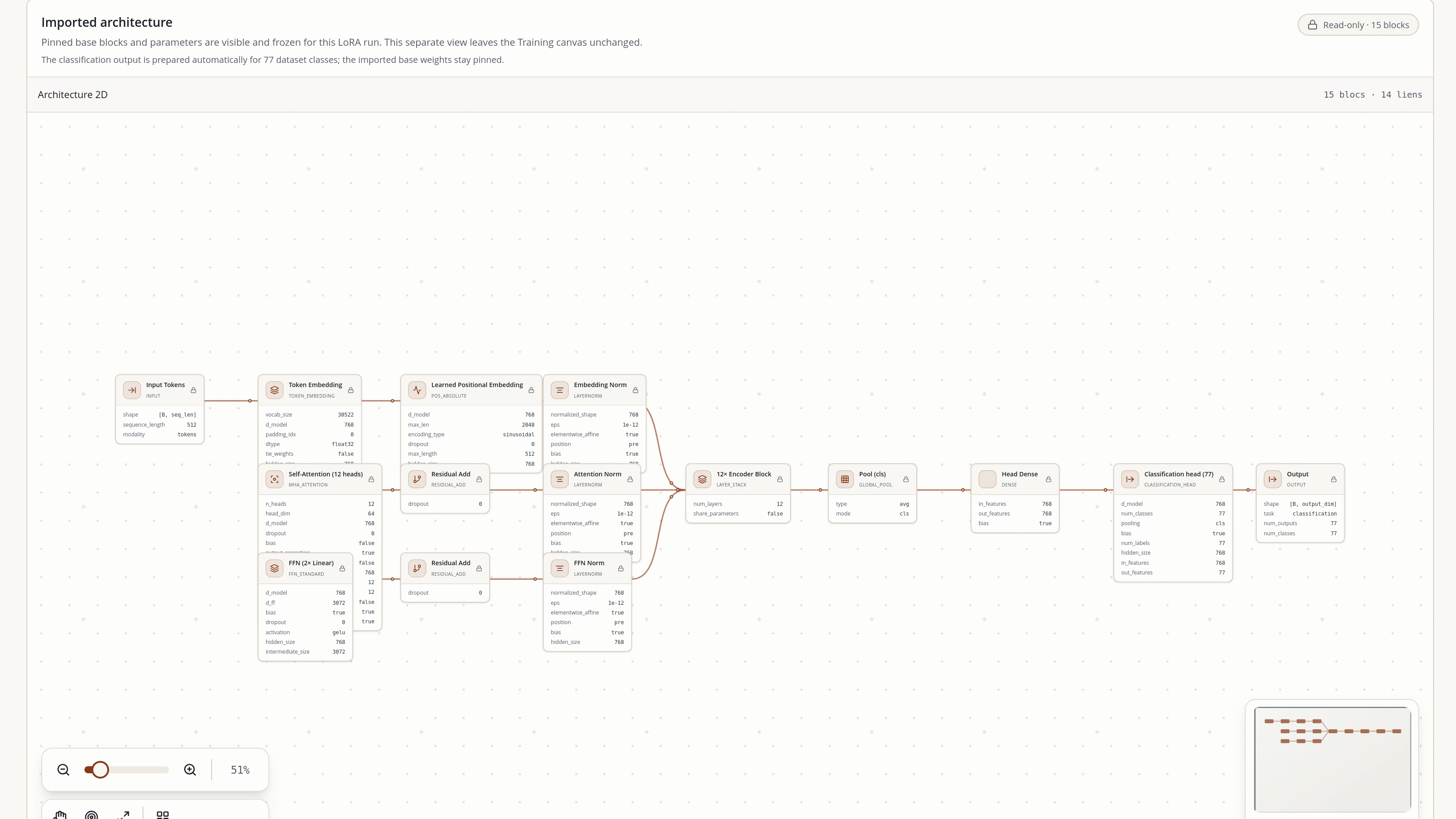
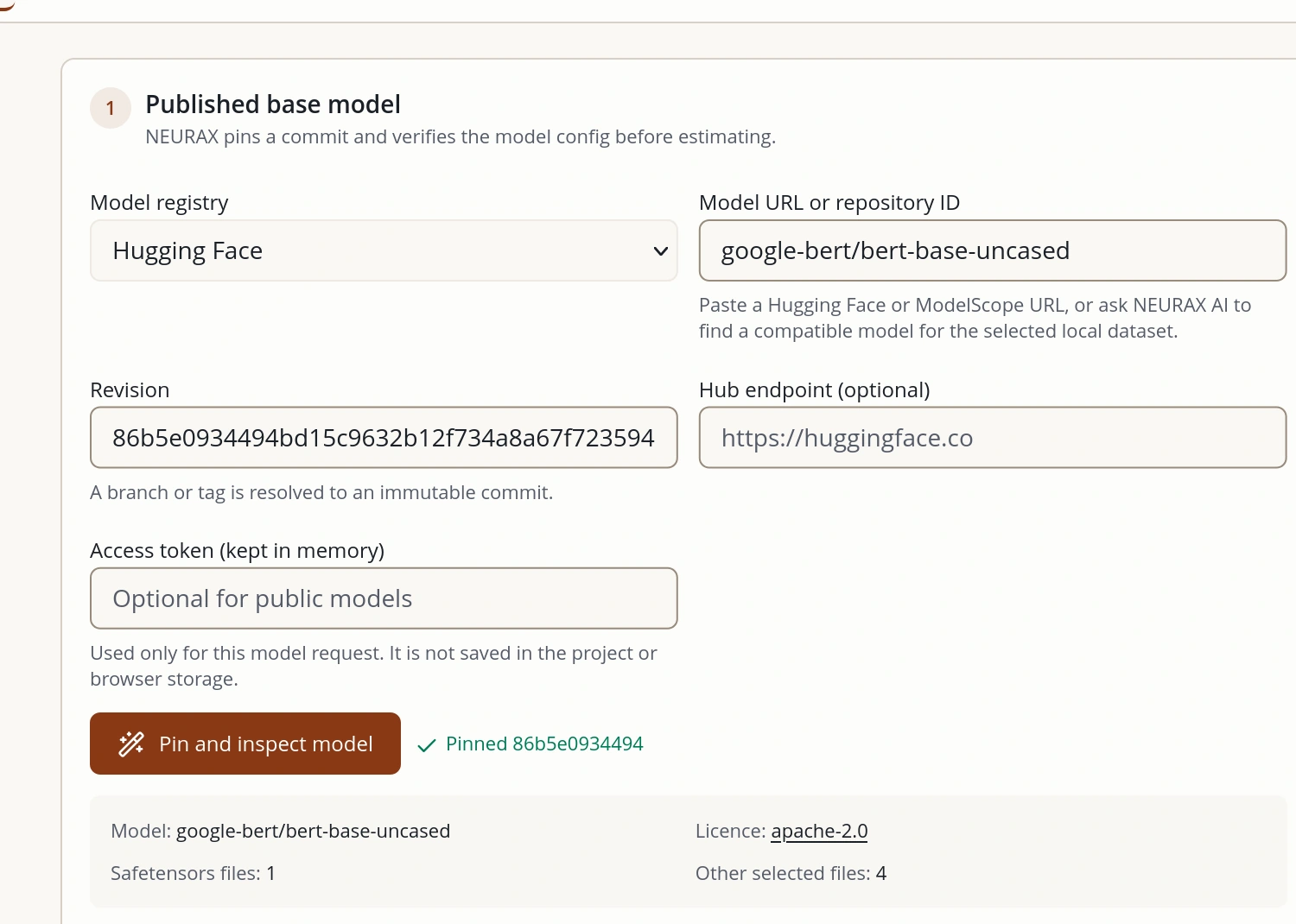
The studio, in your browser
Change the design.Watch what it costs.
Pick a model, edit a block, choose a machine and run the analysis. Every figure below was produced by the NEURAX compiler; nothing is drawn by hand.
Loading the studio…
Every number, computed before anything runs.
- Compiles your design into operations: never runs it to find out
- Design, data profiling and supported runs stay on your machine; optional Agent requests go to the provider you choose
- Works with Hugging Face and the AI provider you already use
Works with the frameworks, providers and hardware you already use
- Hugging Face
- OpenAI
- Anthropic
- Gemini
- DeepSeek
- OpenRouter
- GLM
- NVIDIA
- AMD
- Intel
- macOS
- Linux
- Windows
Workflow
From model design to export, in one Studio
Analyze and estimate first, review the Decision for the workflow you chose, then run locally and follow the results.
01 · computed
Design
The model, block by block
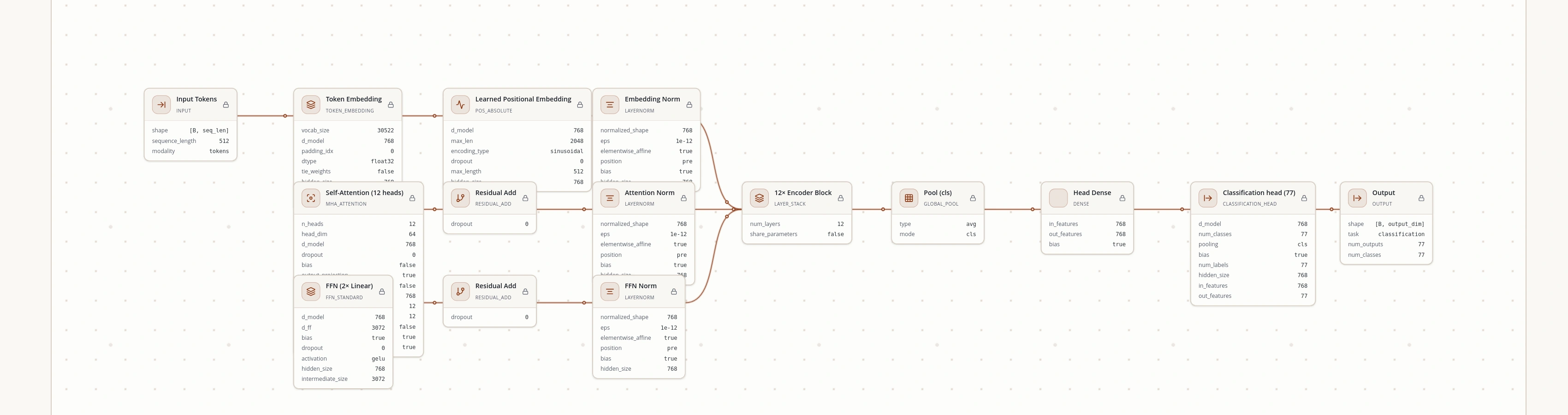
Drag blocks onto the canvas, load a published architecture, or import a Hugging Face config.
02 · computed
Analyze
Parameters, FLOPs, tensor shapes
The compiler lowers every block to primitive operations and counts them exactly.
03 · computed
Simulate
Memory, speed, cost
Peak memory against what your machine really has free, step time, training hours and spend.
04 · computed
Time Machine
Separate Training and Fine-tuning projections
Compare multi-year scenarios from the assumptions you enter; projections do not cover inference or production serving.
05 · on real hardware
Decision
Review the proposal before each run
Check the distinct criteria and approval for native Training or LoRA Fine-tuning before anything starts.
06 · on real hardware
Run locally
Training or Fine-tuning on your machine
Run a canvas design or adapt a supported published checkpoint with LoRA after its proposal is approved.
07 · on real hardware
Compare
Predicted against observed
Review the estimate next to the measurements reported by the completed run.
08 · on real hardware
Export
Metrics, checkpoints and final files
Follow the run in the relevant Live view, then inspect its export files, verification and provenance.
NEURAX Assistant
Justdescribethe model
Bring your own key. If you use the optional Agent, your chosen provider receives its prompt and project design/data profile; NEURAX says it does not send the raw dataset or local path. Provider terms apply.
Example questions for the NEURAX assistant: Size a model that fits a 24 GB card for ticket triage; Why is the attention block memory-bound here?; Cut peak VRAM by a third without dropping layers
Your key: OpenAI · Anthropic · Gemini · Mistral · DeepSeek · OpenRouter · GLM · Local endpoint
Held to PyTorch itself
The v1.2.0 release sweep checked all 80 shipped templates and ran 23 real PyTorch forward/training checks. Exact compiler counts are tested separately from runtime smoke checks; neither proves a model will fit or learn well on every client machine.
73
published architectures measured with PyTorch
56
compiled by an automated test on every change
≤1%
parameter drift allowed before the test fails
- gpt-oss-120bMixture of experts116,829,156,672+0.00%
- Mixtral-8x7BMixture of experts46,702,792,704+0.00%
- Qwen3-30B-A3BMixture of experts30,532,122,624+0.00%
Automated checks reject parameter drift above 1% or FLOP drift above 5%. The published report lists the test scope and limits; measured results do not guarantee task quality or compatibility with a client's hardware.
Who it is for
For labs, teams and people building independently
Where it runs
- Workstationavailable
- Local serveravailable
- Cloud GPUplanned
- AI clusterplanned
01
University AI labs
Compare supported architectures and run bounded research pilots on local compute.
02
Students and educators
Explore model structure, compare resource needs and learn through supported workflows.
03
Company ML teams
Inspect a proposal and its resource estimate before a local run.
04
Independent builders
Design and analyze personal projects, then use supported local Training or LoRA Fine-tuning.
05
Researchers and educators
Review assumptions, approval criteria and run evidence for a study or lesson.
06
Compute owners
Compare local workload estimates before allocating a workstation or starting a run.
No more pasting architectures into chat windows.
Connect Claude Desktop, Cursor or any MCP client, and it can analyze an architecture, estimate training cost and check a budget with NEURAX's own engine.
Works with any MCP client.
Questions, answered
Is NEURAX only for companies and research labs?
No. Labs and company ML/R&D teams are core audiences, and individuals can use the same Studio for learning, research and personal projects. Start with a template or explore a model visually; training still depends on a supported model, prepared data and compatible local hardware.
Do I need to know machine learning?
You can explore templates, model structure and compute tradeoffs without being an expert. For a run, you still need a supported model and prepared data; NEURAX helps you inspect the design and local requirements before you decide.
Does it run my model to measure it?
No. It compiles the architecture to the operations it's made of and prices them, which is why it answers in milliseconds, and why it can cost a model far larger than your machine.
Does my data leave my machine?
The Studio reads supported datasets locally for profiling and training. If you use the optional Agent, your chosen provider receives its prompt and project design/data profile; NEURAX says it does not send raw dataset contents or the local path. Importing a public Hugging Face or ModelScope model also makes an online request for its configuration.
Do I need a GPU?
Not to design, cost or compare models: that runs on a CPU. You need one to train quickly, and NEURAX tells you what a run costs on the machine you have, including a laptop.
Can it really train, or only plan?
Yes. Native Training runs an approved canvas design. Fine-tuning separately adapts supported published checkpoints with LoRA. Both run locally and report run-specific metrics and artifacts; each has its own Decision approval.
What do I own at the end?
Native Training produces its project files and weights in your project folder. Fine-tuning exports the LoRA adapter and configuration, a merged Safetensors model, verification and provenance into client storage.
Can we use our own internal LLM?
Yes. The assistant talks to whatever endpoint you configure, including a model hosted inside your own network.
What does it cost?
Community is free to download now. Developer is $4.99 a month and Pro is $20 a month as indicative USD prices; paid subscriptions are not open yet. Enterprise is priced with you. Ask for a demo to discuss a plan. The assistant runs on your own provider key, so its model usage is whatever your provider charges.
Build a model that fits your work and your machine
Explore the complete Studio, from design and analysis to approved local runs and export. Free to download. No account.